See-Logo
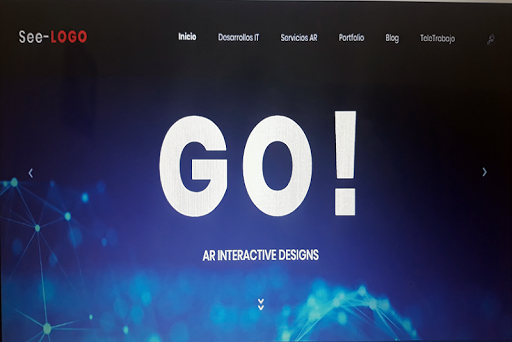
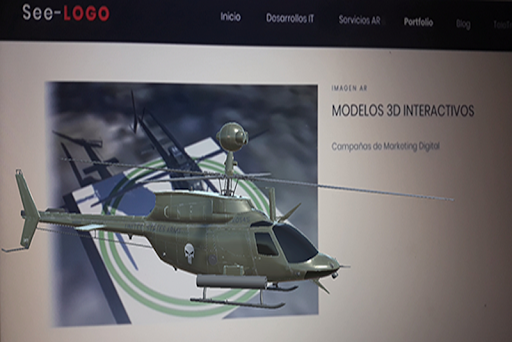
This application works Only on our Website It is Used for Live Presentations of Our Portfolio in the Augmented Reality Area.INSTRUCTIONS FOR USE1) Download and Install App See-Logo2) Go to www.See-Logo.com on a PC3) With the App started on your Mobile, Focus the MAIN Screen of the Website on your PC with the Phone, also see THE PORTFOLIO SECTION where there is AR content
Features
📥
Offline Mode
Use the app without an internet connection. Your data syncs when you're back online.
Screenshots
See See-Logo in Action


Get the App Today

Available for Android 8.0 and above
Ask AI about this app
Get instant answers about features, tips and more from popular AI assistants.